
Inside a laptop motherboard
Most laptops that “won’t turn on” have a power fault on the motherboard: one failed part among thousands. These drawings show how power gets from the charger to the processor, and how we find the part that has failed.
These are our own simplified drawings of a typical laptop, not any manufacturer’s schematic. Every model differs in the detail; the principles are the same.
The power path
From the charging port, through the protection parts and the charge controller, to the battery and the main system rail. Four regulators then turn the main rail into the voltages the computer runs on. Tap any part.
Switching on, step by step
A laptop powers up in a strict order. Each stage waits for the one before it to report “power good”. Where the sequence stops tells us where to look.
Charger connects
On USB-C the laptop and charger agree a voltage, usually 20 V.
Main rail comes up
The charge controller switches the input on and powers the main rail and battery.
Standby power
Small always-on rails wake the chip that watches the power button.
Power button
That chip enables the memory, CPU and graphics regulators in order.
Power good, boot
Each rail reports it is stable, the CPU starts and the screen lights.
A CPU regulator, close up
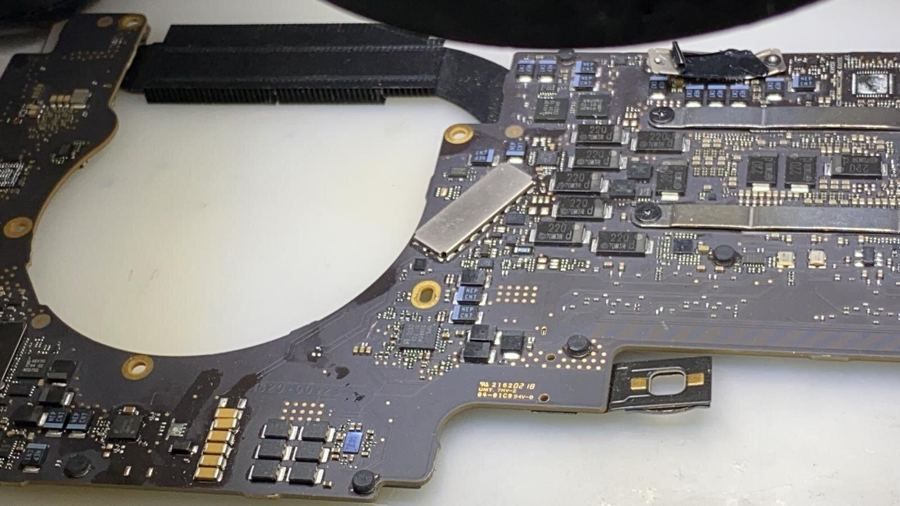
The CPU needs a low voltage at a very high current, so it gets its own multi-phase regulator. This is one phase. The capacitor marked in red shows the fault we fix most often: one tiny part shorted to ground takes the whole rail down.
How we find the fault
- Measure each rail’s resistance to ground with the board unpowered, to find shorts.
- Power the board from a bench supply and watch the current it draws at each stage.
- Inject a low voltage into a shorted rail and find the part that warms up with a thermal camera.
- Check the enable and “power good” signals to see where the power-on sequence stops.
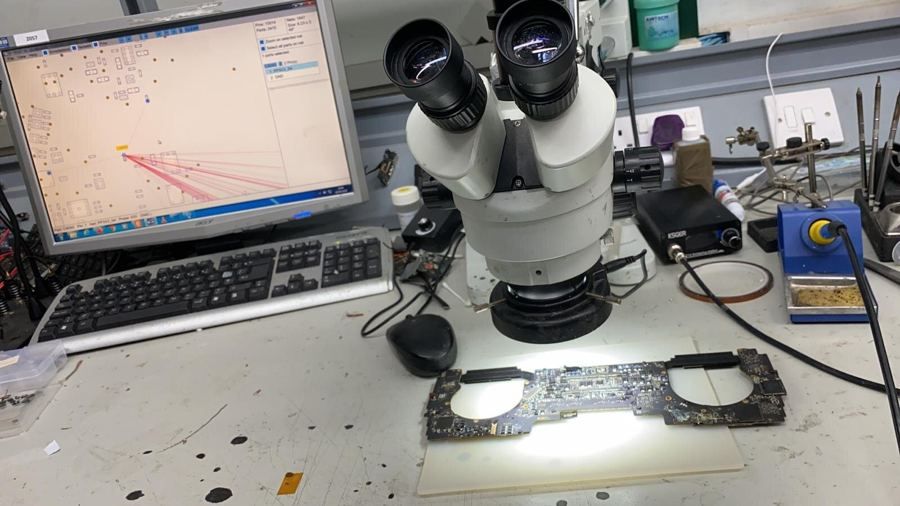
- Replace the failed part under the microscope with hot air or a soldering iron, then test the board under load.
Symptom to likely fault
A rough guide from the faults we see on the bench. We confirm it with measurements before quoting.
| What you see | Where we usually find the fault |
|---|---|
| No lights at all, no charging | Charging port, fuse, surge diode, input switch, or a short on the main system rail |
| Charges, but nothing happens on the power button | Standby 3.3 V / 5 V regulators, the power-button chip, or the power button itself |
| Fans spin, no picture | CPU core or memory regulator, a shorted capacitor on one of them, or the graphics power |
| Powers on, then straight off | A regulator that starts and then reports a fault, often a shorted capacitor |
| Works on the charger, dies on battery | Battery switch, battery connector or the battery |
| Picture on an external monitor only | Backlight circuit, display power or the screen cable |
| Died after a spill | Anywhere: liquid corrodes the parts it touches. Charge controller and regulators are the usual casualties |
Board repair: basic £185 + VAT, complex from £450 + VAT. Motherboard repair prices